Adding Multiple Recordings
Last updated October 24, 2025
In Knowtex, you can upload multiple recordings for one patient, and Knowtex will combine those recordings into one comprehensive note.
This is most helpful for cases such as:
- Precharting notes
- Uploading a post-visit dictation
- After uploading the first recording, the patient has another complaint or remembers something else to discuss.
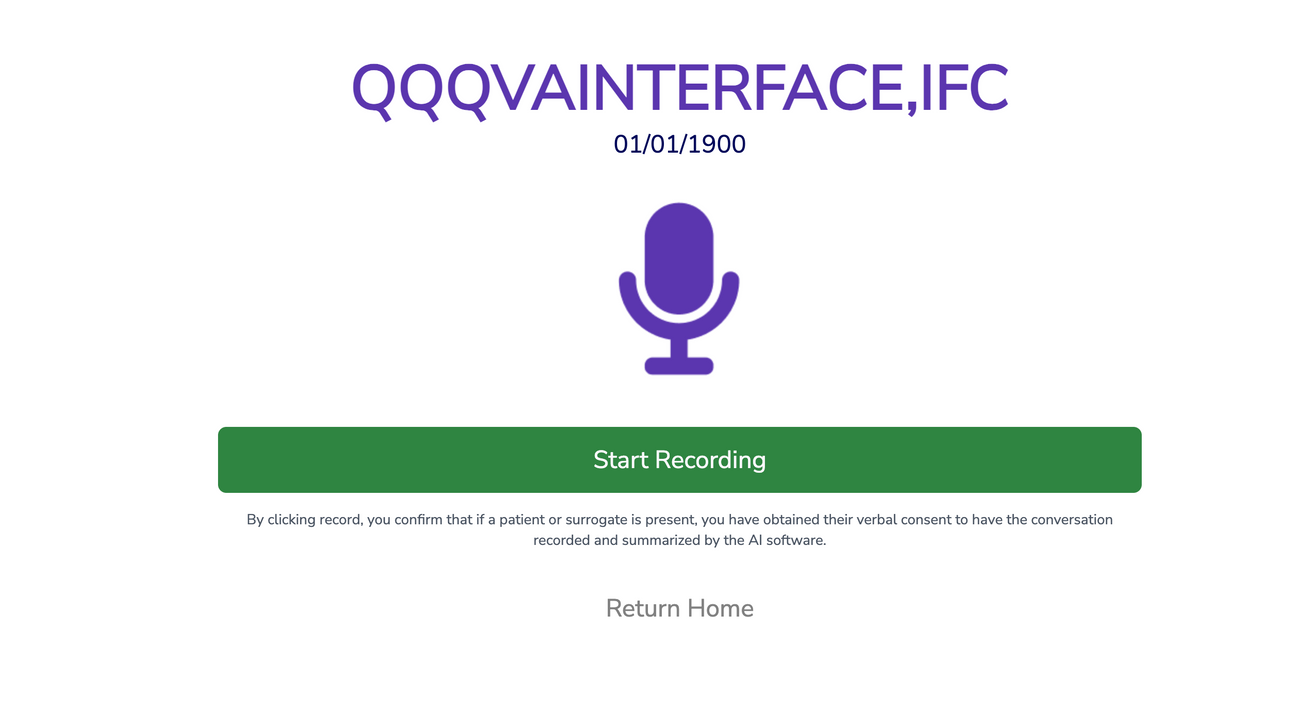
To add another recording, if you're on the recording page for that patient, after uploading the first audio, you can immediately click "Start Recording" and begin another recording:
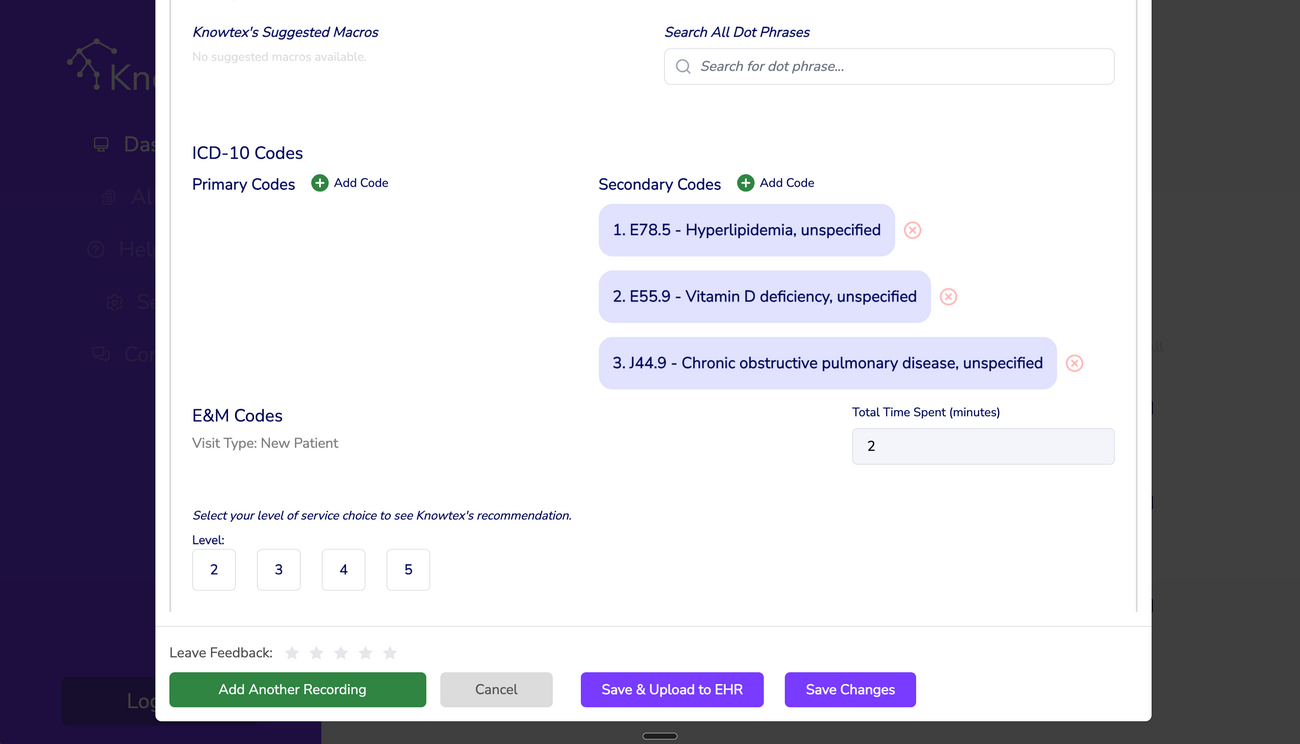
If the note has already been generated, you can still add another recording by clicking on "Review" -> scrolling to the bottom of the popup, and clicking on "Add Another Recording":
Best Practices
- Ensure the recordings do not contradict each other in content.
- Always check the recordings are for the same patient!
Was this article helpful?