Regulatory Change Management Module
Last updated March 13, 2026
The Regulatory Change Management section provides your team with timely access to the latest regulatory publications from DHCS, including APLs, BHINs, AFLs, along with relevant bills and federal memos. Each document is brought into Readily within one hour of release and fully analyzed (including summaries, key actions, impacted departments, and more).
How to Access the Regulatory Updates
- Log in to Readily: https://app.readily.co/
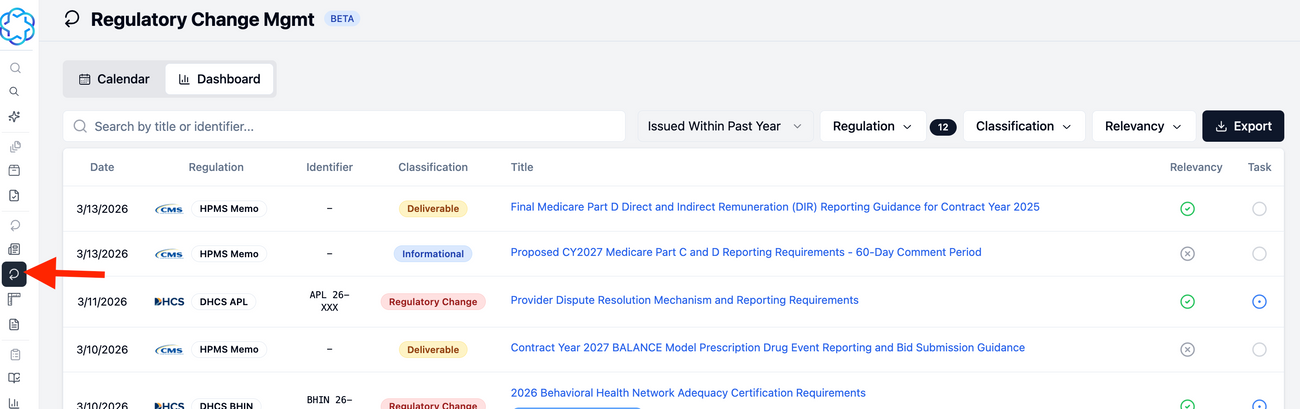
- Go to Regulatory Change Management.
Navigating Regulatory Updates
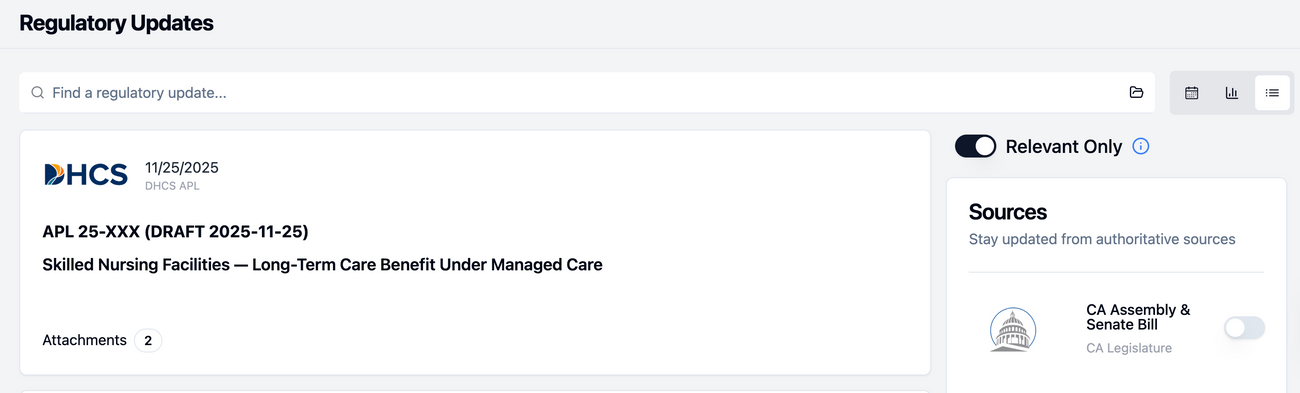
You will see a list of regulatory updates. From here, you can search for a specific regulation and filter on what is relevant to you. The newest released documents are at the top of the page.
- You have the option to filter the Relevancy. If you have this enabled, only the relevant regulation for your organization will populate.

- Once you click on a document, it will take you to the Overview page.
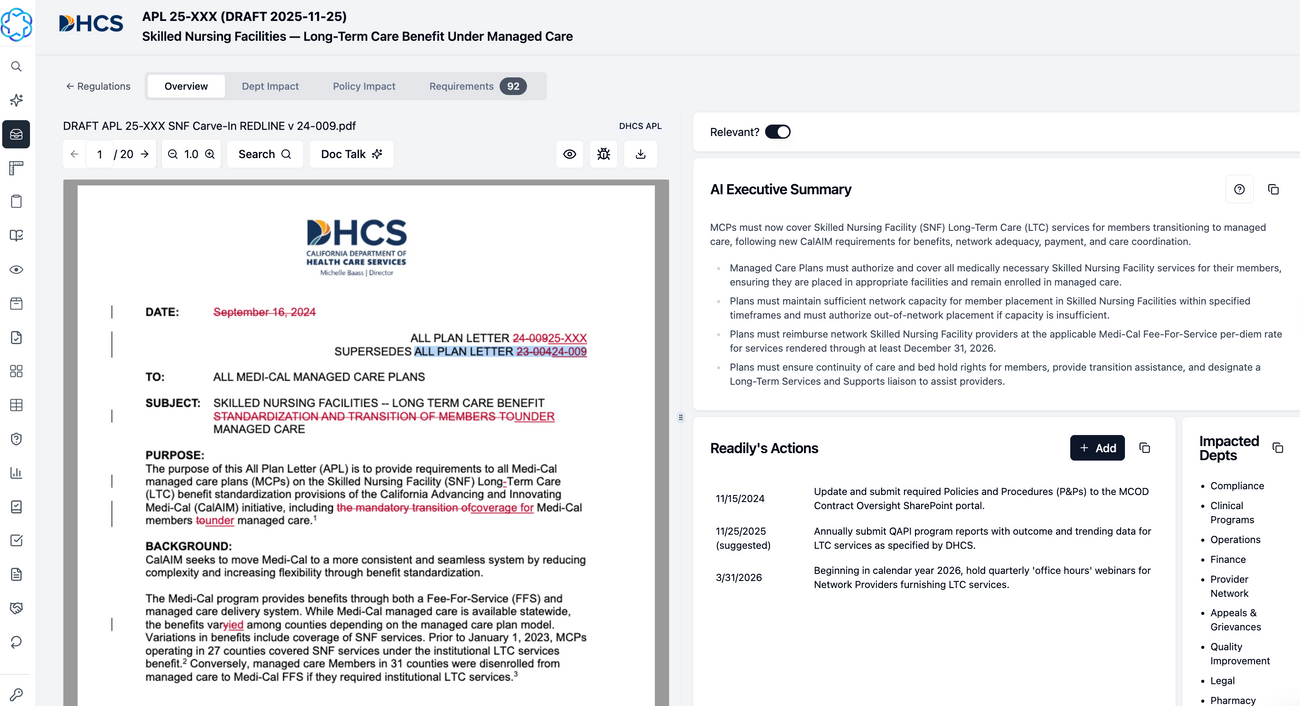
The right side of the page displays the AI Executive Summary, Readily's Actions, and Impacted Depts.
- The AI Executive Summary provides a key summary of the document.
- Readily's Actions are suggested action items.
- Impacted Departments are suggested departments that need to be involved to ensure compliance.
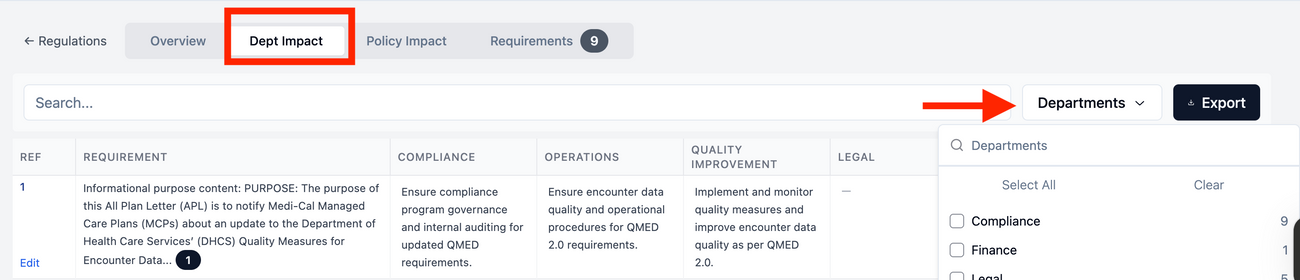
Department Impact View
- You can export & filter by departments.
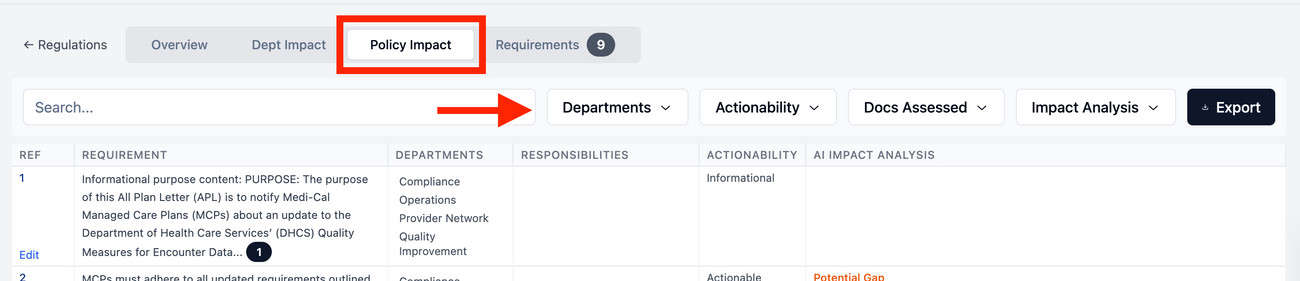
Policy Impact View
- In the Policy Impact View, you can filter by Departments, Actionability, Docs Assessed, and Impact Analysis. You have the option to export.
Requirements View
- The Requirements View lets you filter the Label by Actionable or Informational Only. You can toggle the Auto Analyze, Add Requirements, and Export.

Task Tracker
- From the APL/Memo, you can create a task tracker by going to the Overview tab and scrolling to the bottom of the page.
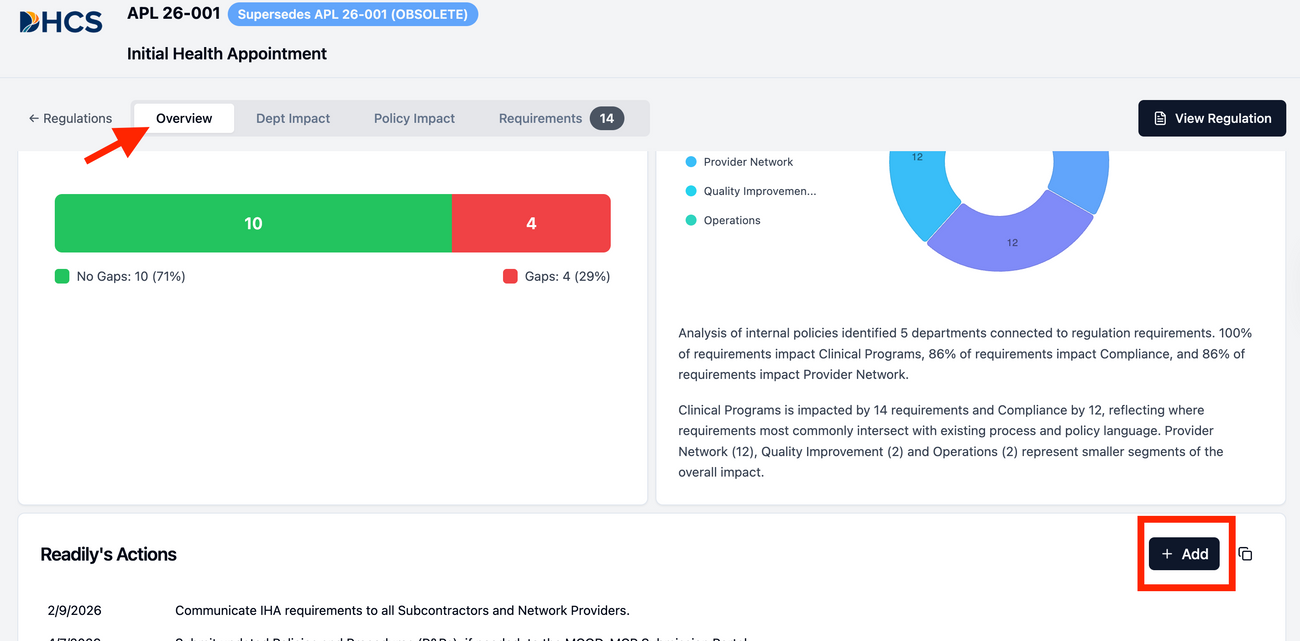
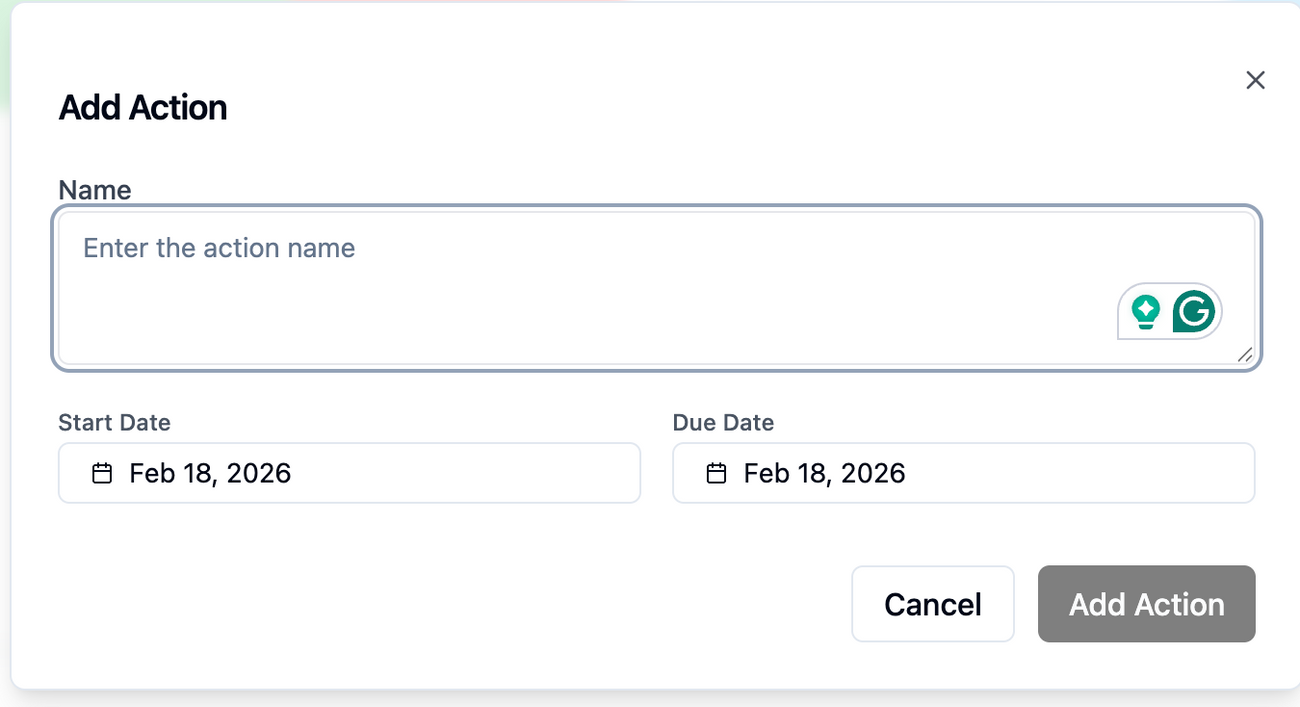
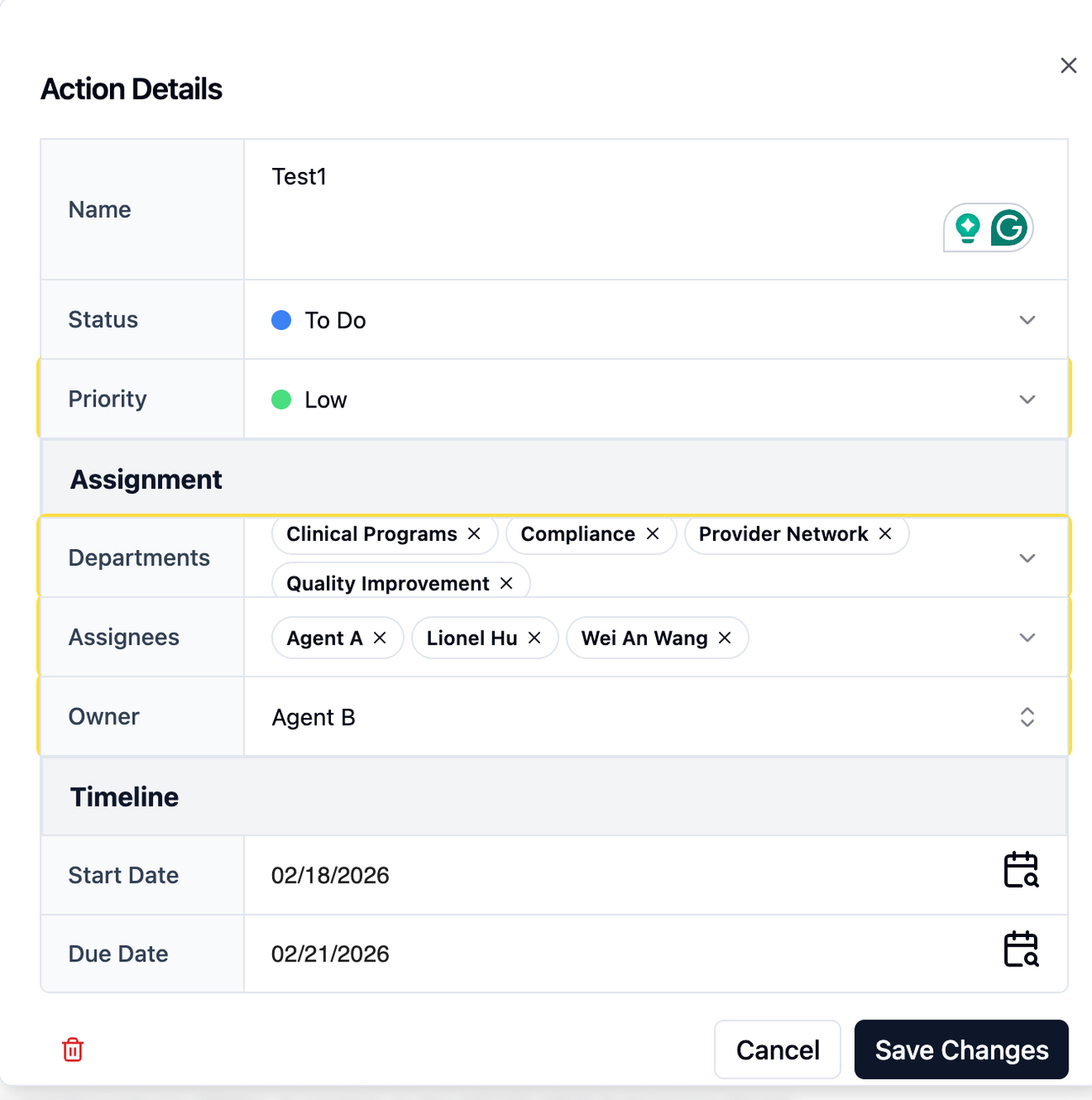
- Select Add. Fill out: Name your task, Start Date, and Due Date. Once filled out, click Add Action.
- In the Action Details, fill out Status, Priority, Departments, Assignees, and Owner. Click Save.
- You can select multiple departments and assignees.
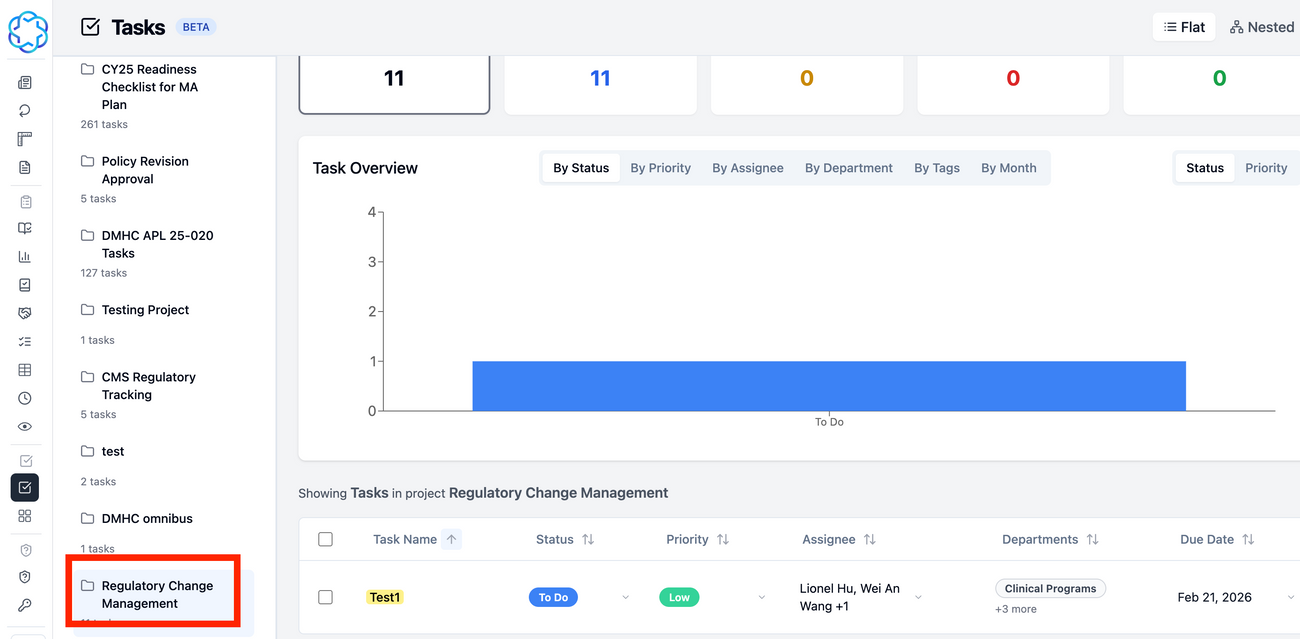
To locate the Tasks created, go to Task Tracker and select Regulatory Change Management.