Installing Ciro’s Chrome Extension
Last updated September 5, 2025
Ciro’s Extension arms you with prospect emails, phone numbers, and the ability to push to CRM, all in 1 click.
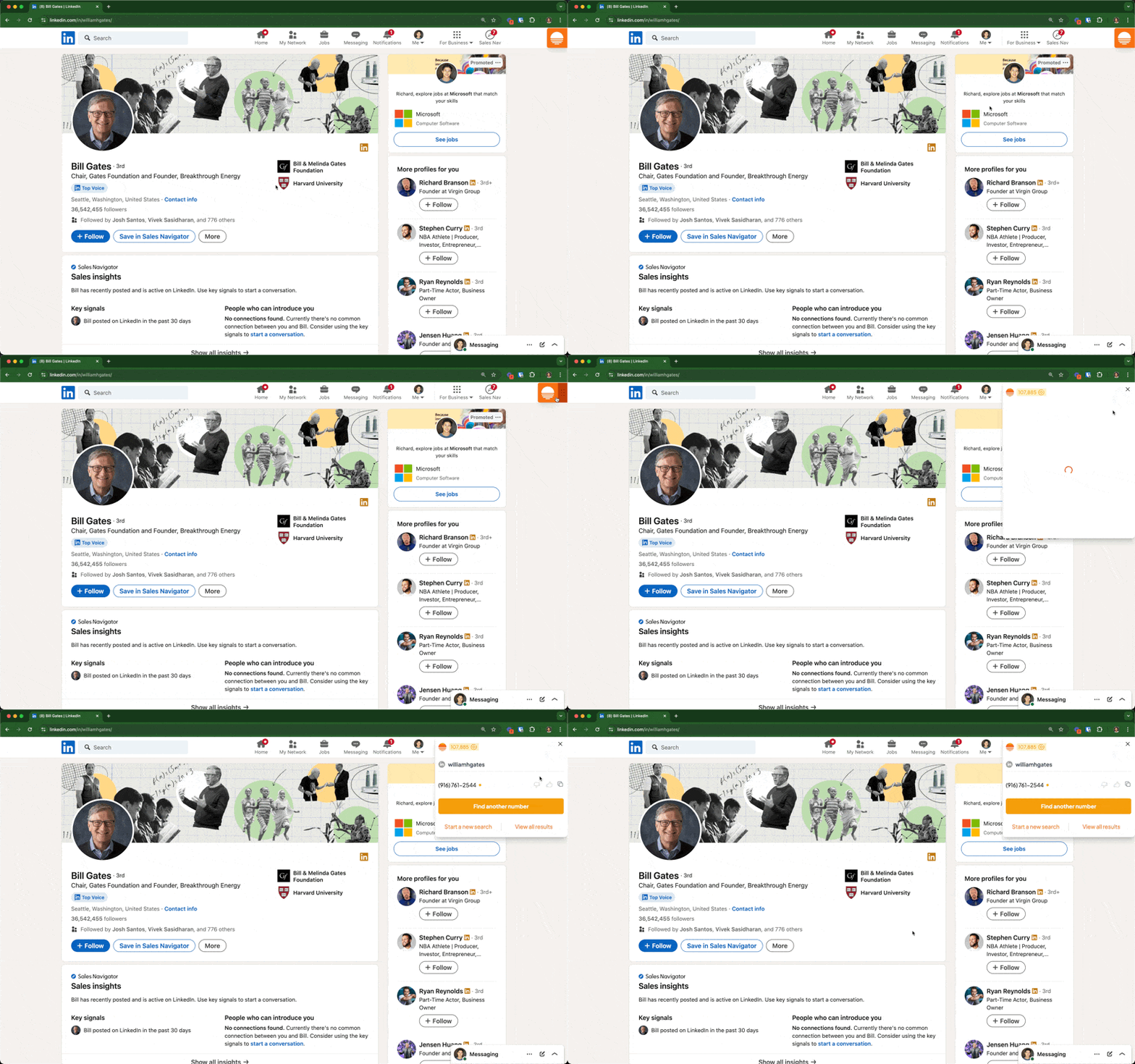
Finding Mobile Numbers and Emails
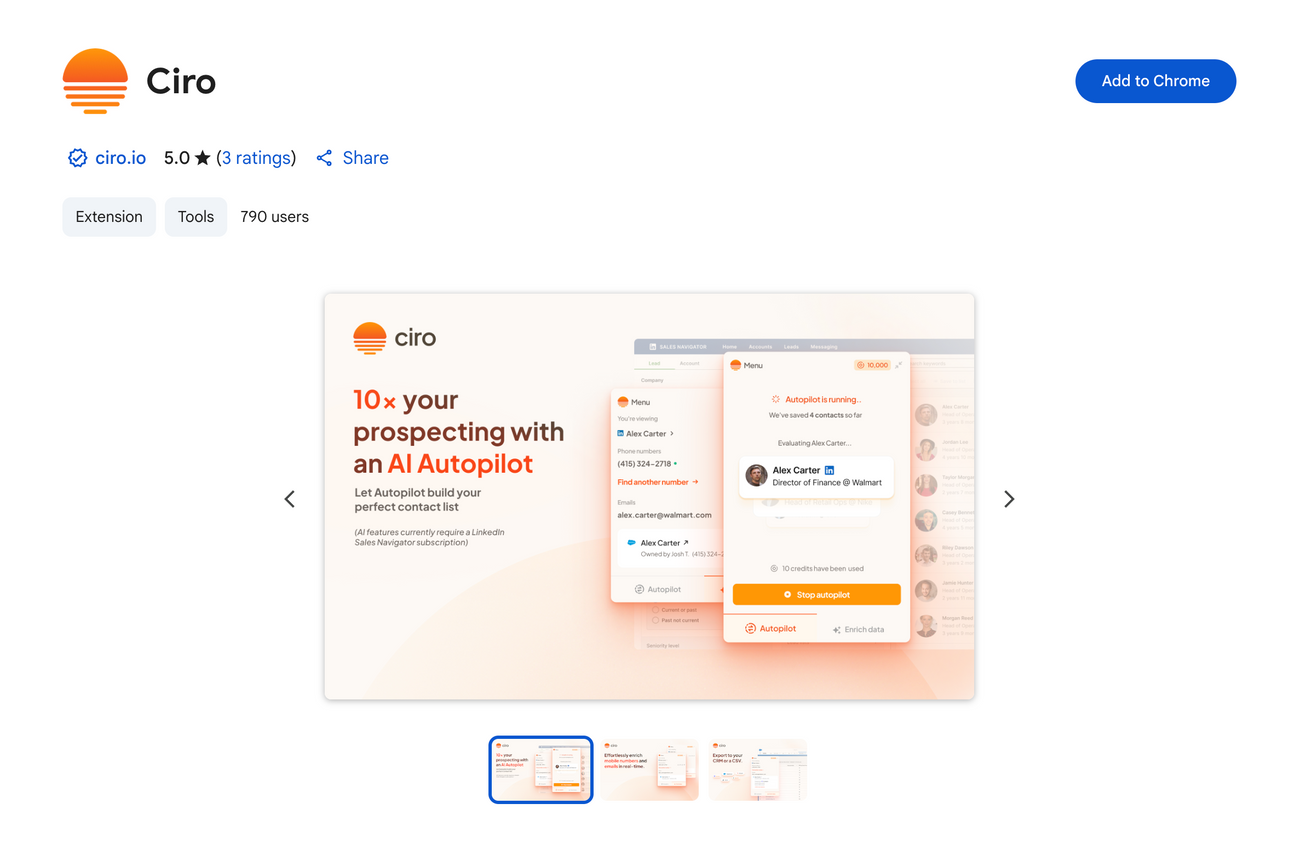
- Go to the Chrome app store and install the extension
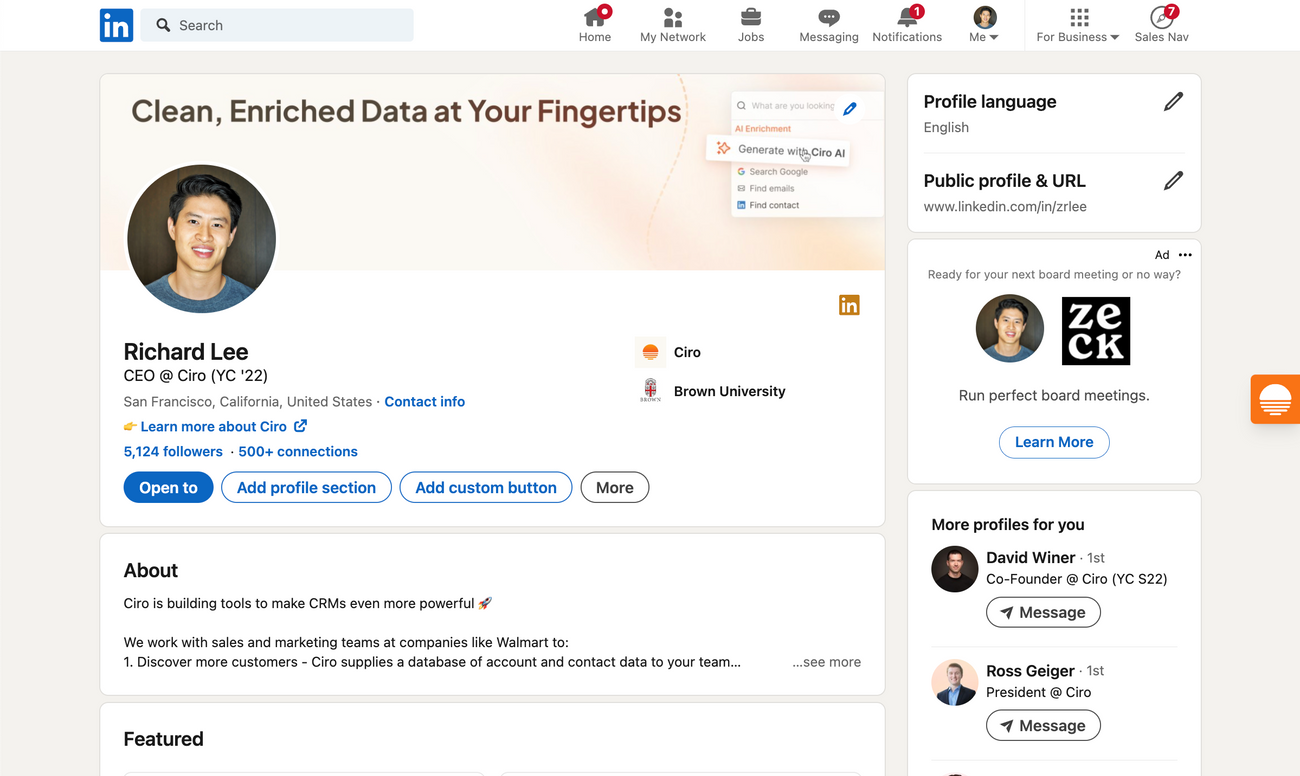
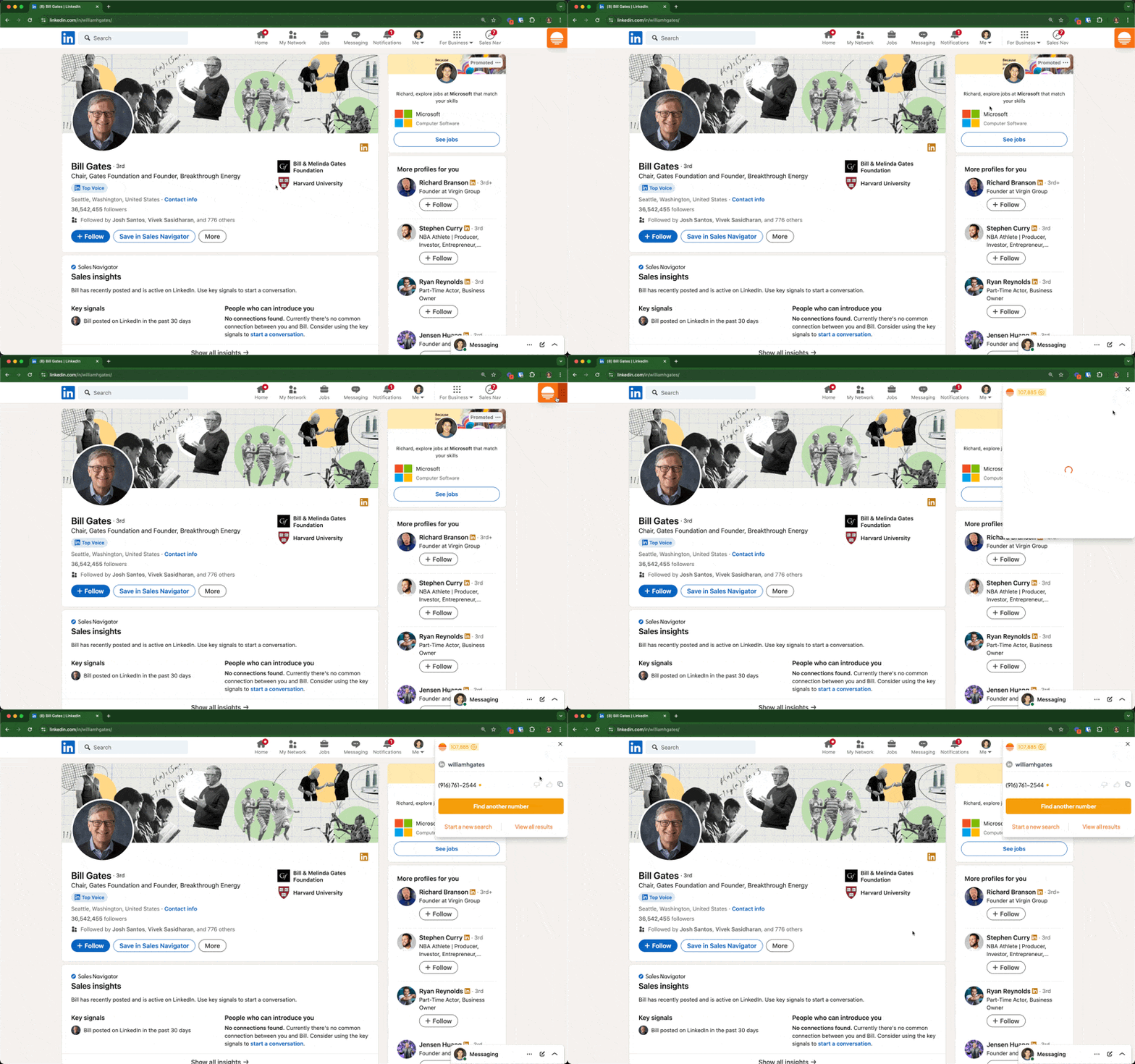
- Go to a LinkedIn profile (or your CRM and outreach tools) and open the orange widget
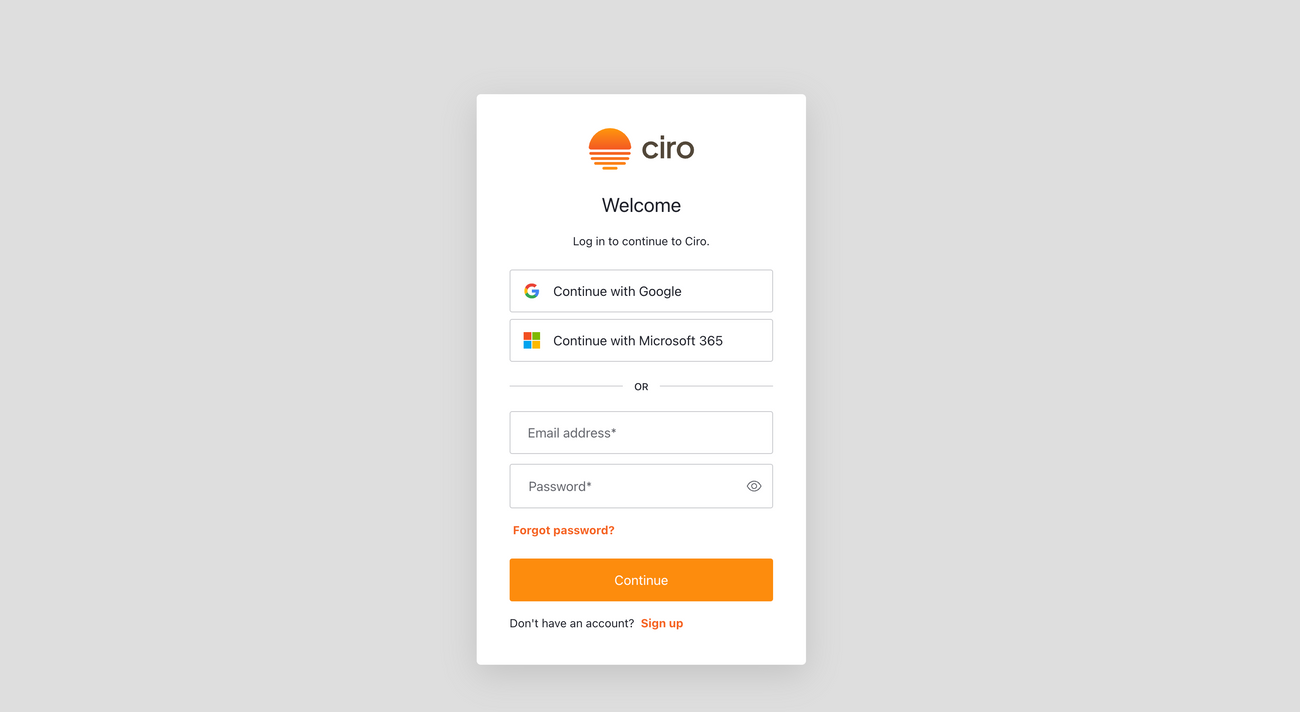
- Click the "Log in" button and authenticate using your Google or Microsoft 365 credentials (via your work email)
- Once logged in, look up a person's phone number and email while on a Linkedin Profile or by searching their first, last, and company name (this also works on Salesforce, Hubspot, and Apollo)
FAQs
Does Ciro have a CRM integration? • Yes! Our integration allows Ciro to update missing / bad numbers in the background
How much does each email or number cost? • Each email redeems 2 credits • Each number redeems 10 credits • The cost of each credit is determined by your organization's plan
Where does Ciro get its data? • Ciro’s built to give you maximum coverage from 1 subscription • We’ve negotiated bulk rates from 15+ different data providers (and counting), each with their respective strengths and coverage
What is Ciro’s quality control process? • Ciro numbers aren't perfect, but we try very hard to safeguard your time • Ciro is the only platform that puts all numbers received through a series of tests to check for mobile number status, consumer mobile status, and identity