Logging into Ciro
Last updated September 25, 2025
Securely access Ciro with your work Google or Microsoft account in just a few clicks.
Ciro supports secure login via OAuth with support for both Google and Microsoft 365 accounts.
This means you can use your existing work credentials to access Ciro — no need to manage a separate password.
How to log in
- Open Ciro by navigating to Ciro’s web app or opening the Ciro Chrome Extension
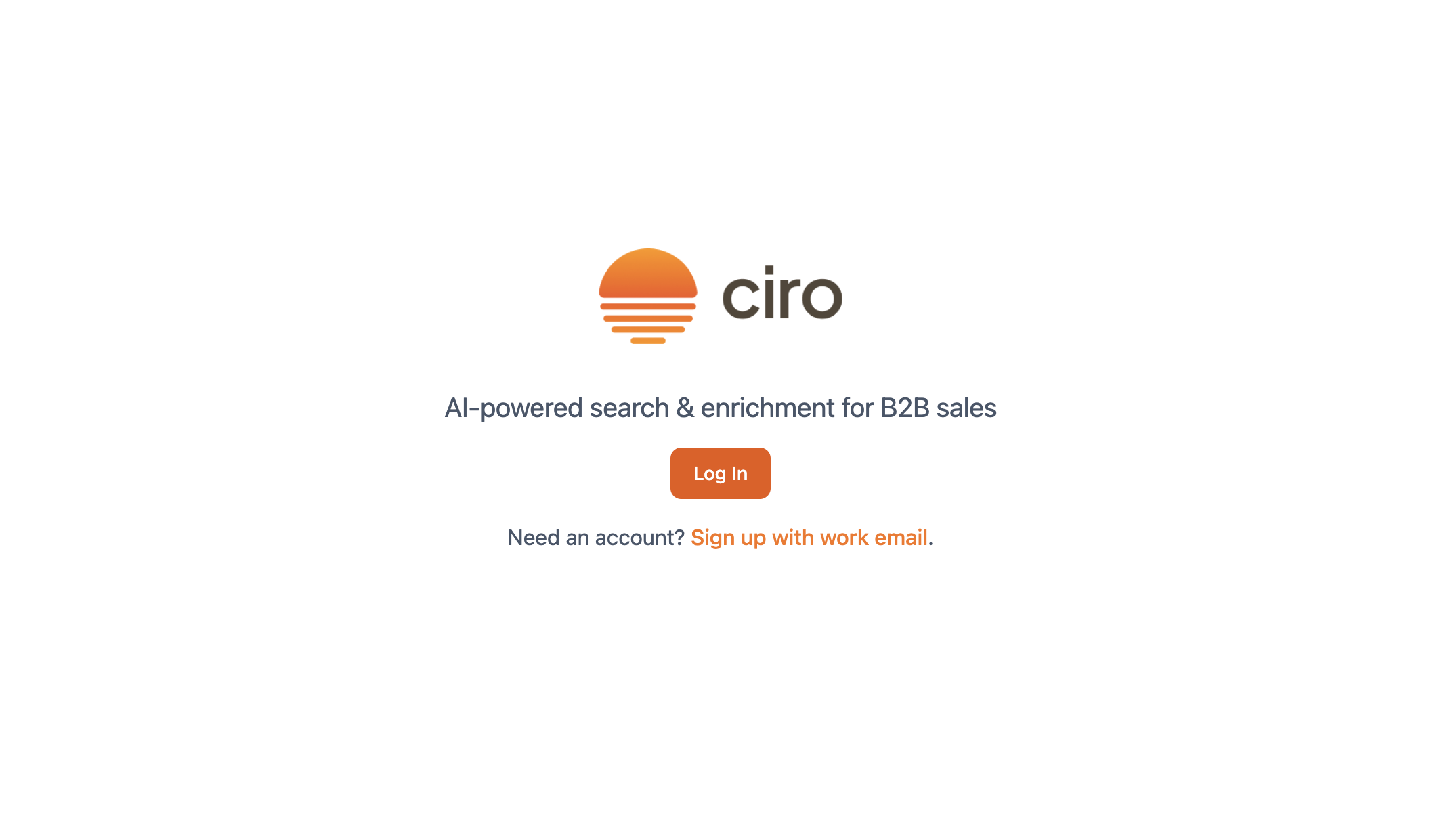
- Click the orange “Log in” button
- Choose your provider by selecting either Google or Microsoft 365 as your login method.
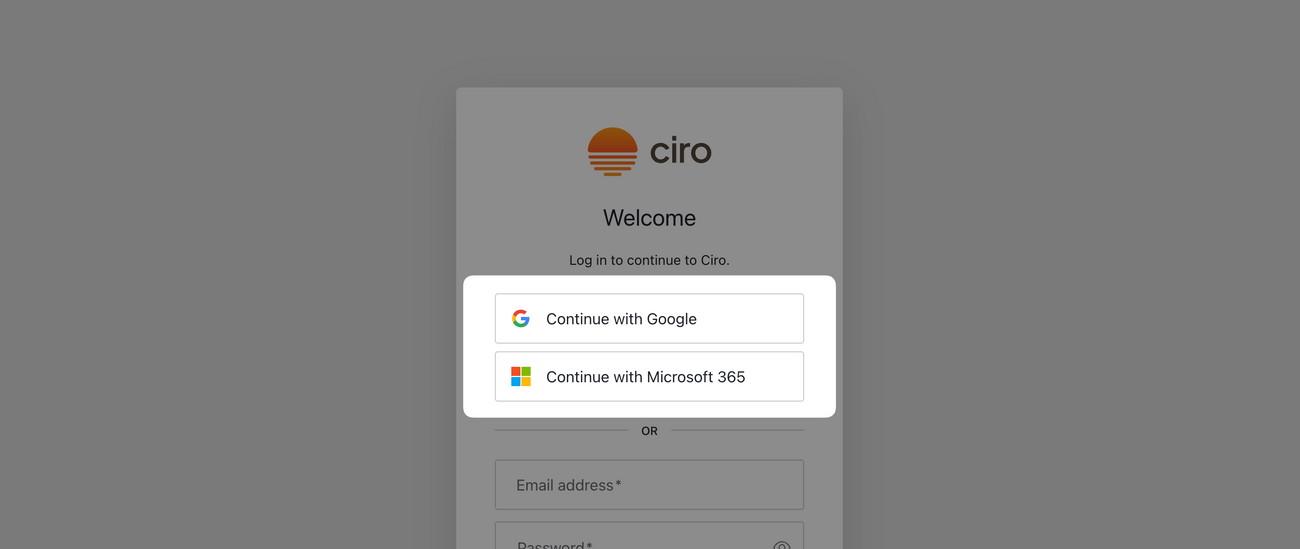
- Authenticate with your work email by using your company Google Workspace or Microsoft 365 credentials
- Depending on your organization’s security policies, you may be asked to complete two-factor authentication via your company’s SSO setup
FAQs
Why can’t I use my personal Gmail or Outlook account?
Today, Ciro does not support accounts from personal email domains. Ciro only supports work emails associated with your organization’s Google Workspace or Microsoft 365 accounts.
Does Ciro support SSO (Single Sign-On)?
Yes. If your company has SSO configured with Google or Microsoft 365, you’ll be redirected through your normal login flow.
What if I can’t log in?
• Double-check that you’re using your work email • If your company enforces SSO, ensure you’re logging in with the correct identity provider • Contact your admin or reach out to Ciro Support if issues persist