What are Ciro’s Search Modes?
Last updated September 5, 2025
Search Modes control how Ciro starts its search, so you get results tailored to a specific workflow.
1) Search within Specific Companies
- Search within specific companies is a way for Ciro Autopilot to laser-focus on a specific company; it's great for:
- Teams with assigned accounts
- Account Based Marketing (ABM)-style targeting
- Lists from events, webinars, or the CRM
- Here's how to get started:
- Start a new search in Ciro
- Click on the Search Modes dropdown and select “Search specific companies”:
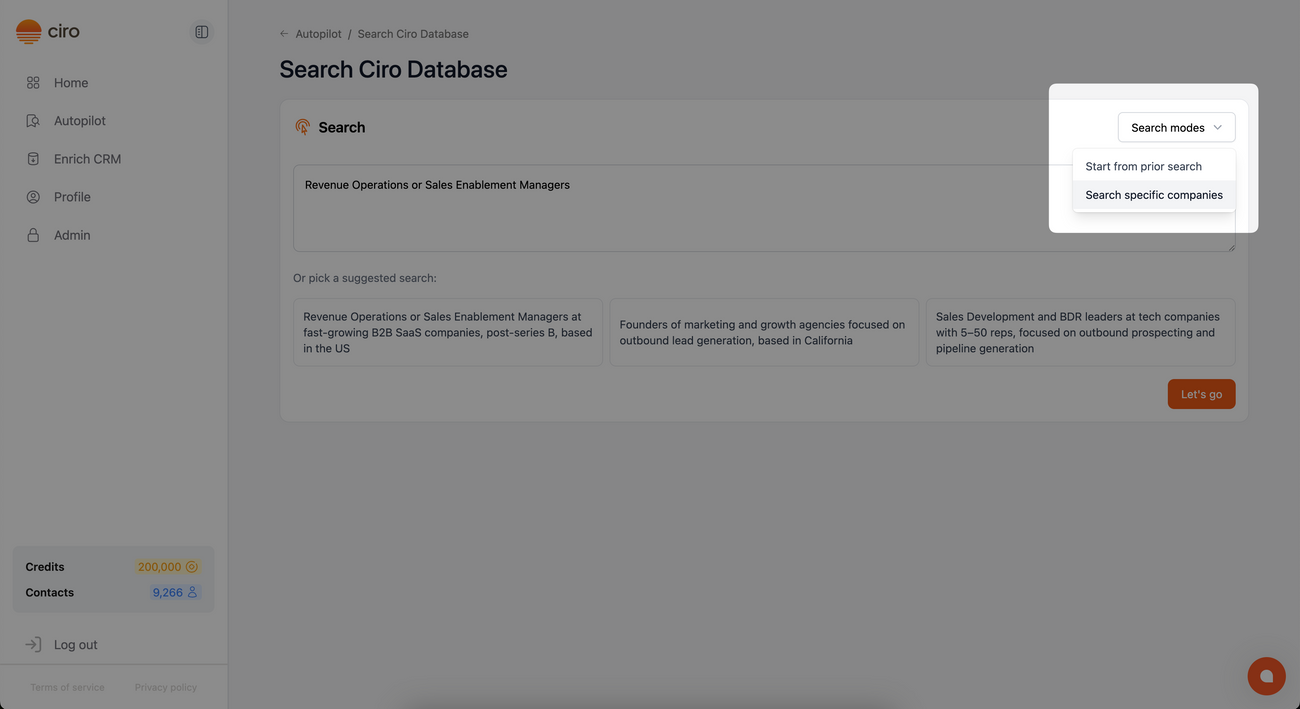
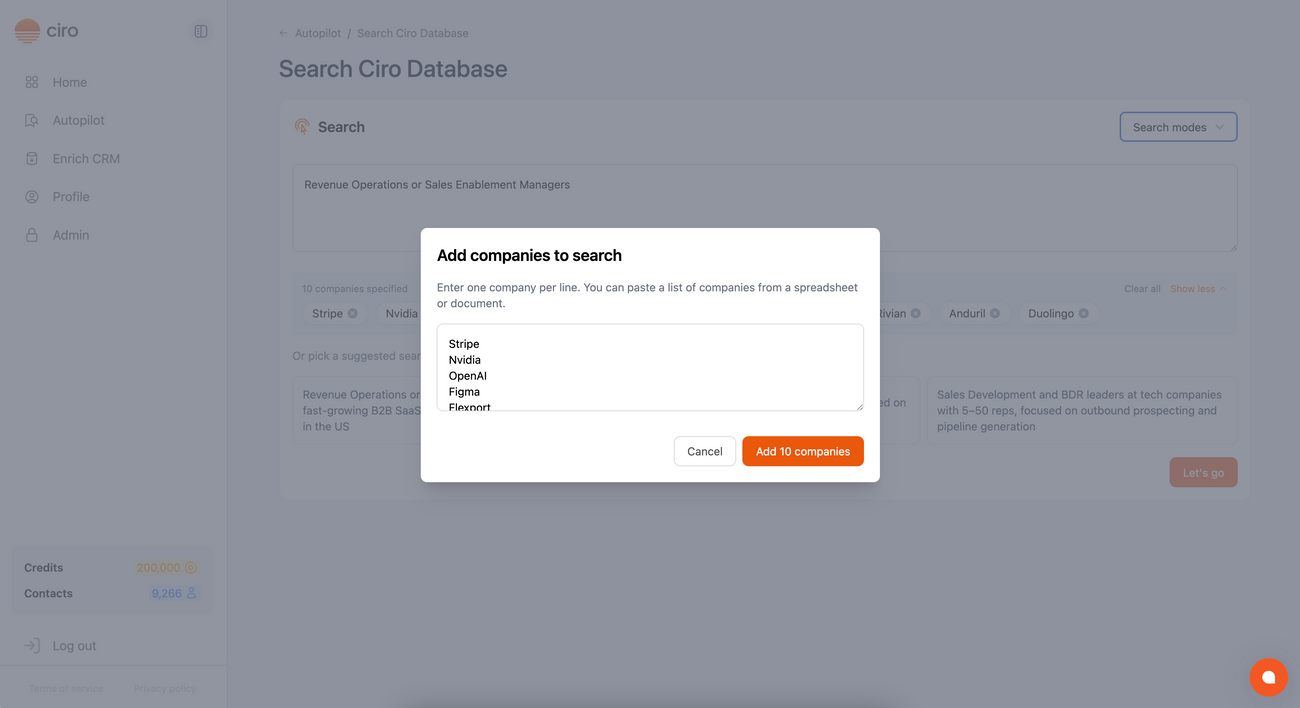
- Add the company names you want to target:
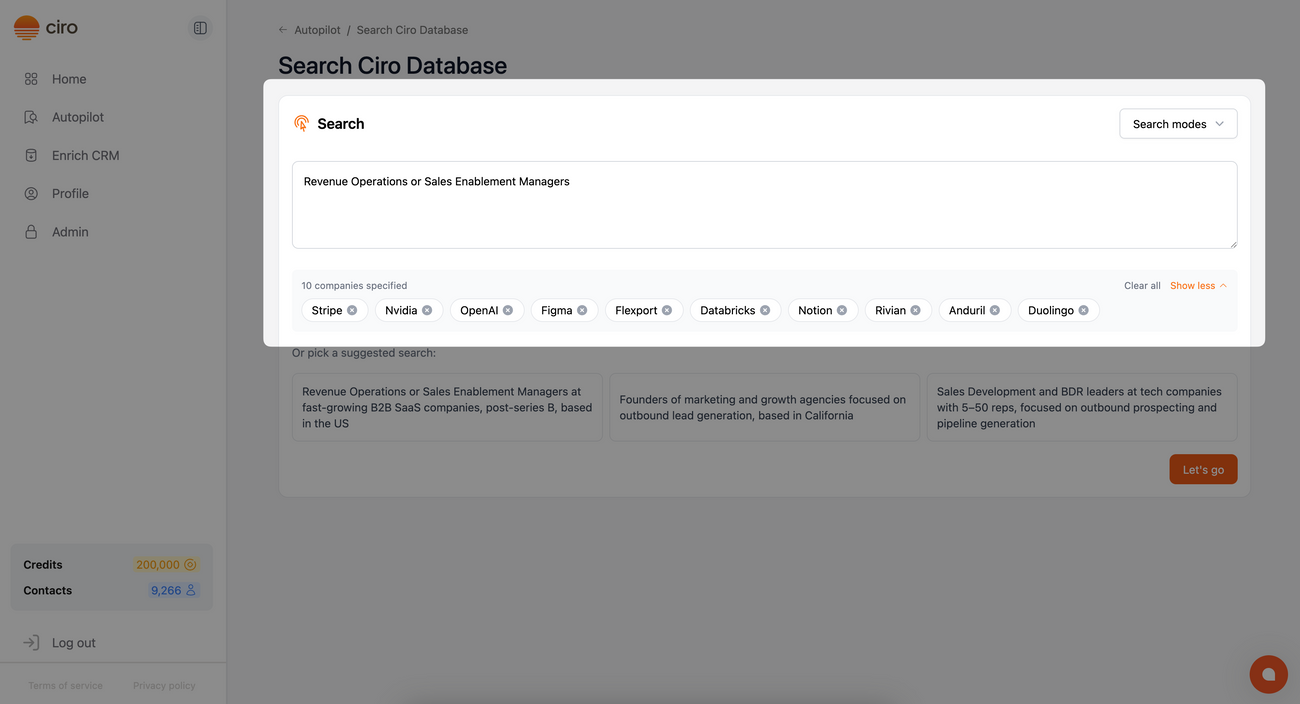
- Autopilot will find each company and scan their team, surfacing the best contacts based on your search criteria:
🧑🎓 Follow our guides on how to get the most out of your search
- Search using Ciro's Database [link when live]
- Search using LinkedIn Sales Navigator [link when live]
Log in to Ciro and run your first search
Need more help? Browse all guides in the Ciro Help Center [link when live]
Was this article helpful?