Creating a VM Brief
Last updated February 11, 2026
1. Create a new brief
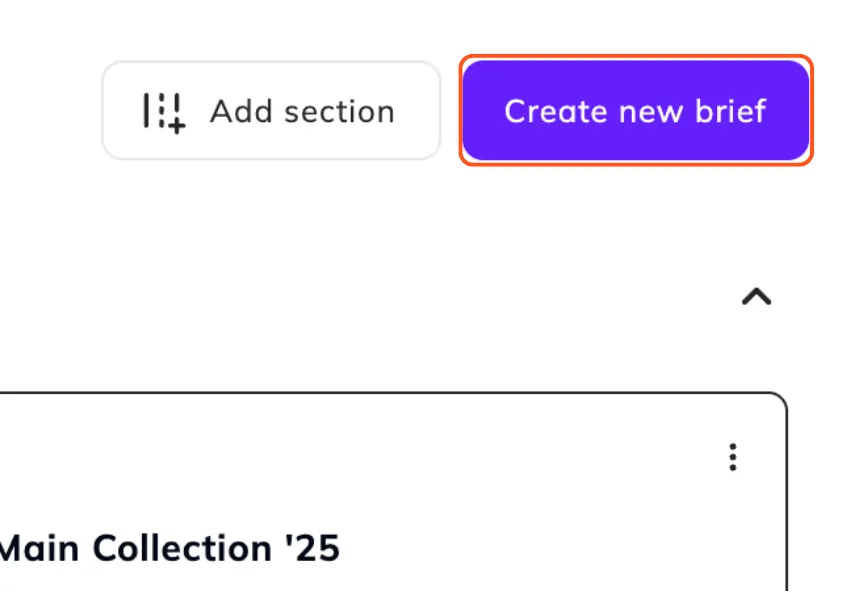
In your home page, click on the ‘Create new brief’ button at the top right corner.
2. Set up the new brief
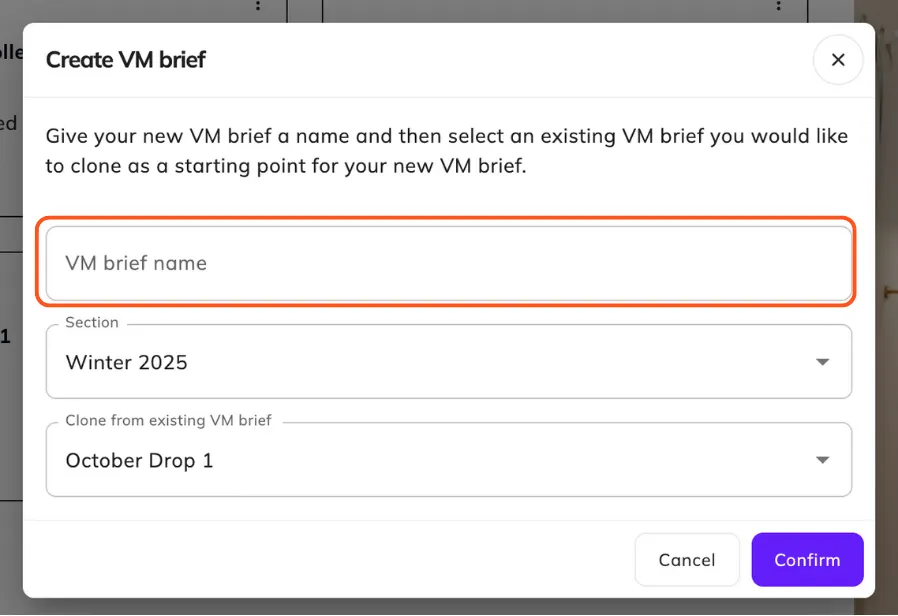
You will be prompted to name and choose the section you want your VM brief to live in. You can also clone from an existing brief to copy across your fixtures and products. We highly recommend cloning your briefs to keep the most updated floor plan set up and insights.
For more information on cloning VM Briefs, visit Cloning VM Briefs.
3. Confirm brief creation
Select the ‘Confirm’ button to start the VM brief creation. Note: this may take a few minutes as Flagship copies across all of your floor plans, fixtures and products.

FAQ:
- What if I don't want to clone from an existing brief?
To start without cloning, clear the the 'Clone from existing VM brief' field by selecting the 'X'. This creates a brand new brief.
Was this article helpful?